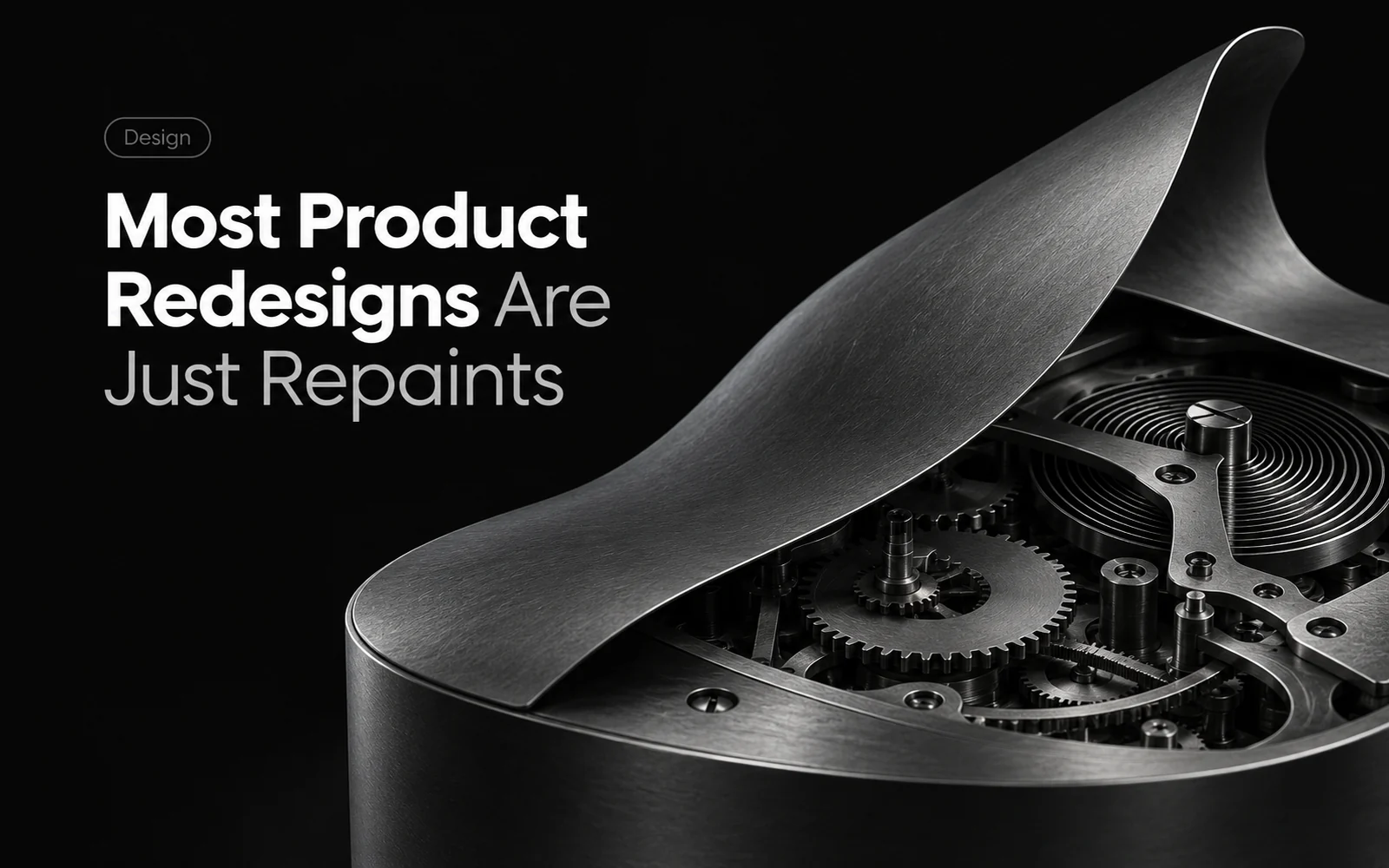
Most Product Redesigns Are Just Repaints
A company decides its product feels old.
The redesign begins with a new color palette, modern typography, rounded buttons, updated illustrations, and polished screens. When the new version is revealed, the difference is immediately visible.
But users still hesitate in the same places. Simple tasks still take too many steps. Important actions remain unclear. Support receives the same questions.
The product was refreshed, but it was not truly redesigned.
Visual age is only one possible problem
A dated interface can reduce trust and make a product feel neglected. Visual quality matters.
But “the product feels old” may be only the visible symptom.
The deeper problem could be that users cannot tell where to begin, information is organized around the company instead of the customer’s job, common actions are hidden, or the product asks people to make decisions before giving them the information they need.
Changing the surface does not resolve those failures.
Before deciding what to redesign, study what users are actually experiencing:
- Where do they hesitate?
- Which tasks take more steps than expected?
- Which actions or consequences do they misunderstand?
- Which words require explanation?
- Where do they abandon a journey?
- Why do they contact support?
- Which workarounds have experienced users created?
Those observations reveal whether the problem is visual, structural, behavioral, or a combination of all three.
A real redesign changes the journey
A real redesign may include a new visual system, but it also examines how the product works from the user’s perspective.
It can change the order of a flow, group information differently, remove unnecessary decisions, improve defaults, clarify actions, prevent avoidable errors, and expose the right information at the right moment.
For example, a customer chooses a pair of shoes, presses checkout, and is required to create an account, confirm an email address, and complete a profile before paying. They have to leave the purchase and find their way back. A better-looking button does not remove that interruption.
First ask which steps the purchase actually needs. Could the customer buy as a guest and create an account afterward? Can information already provided be reused? If a step is necessary, make its purpose and consequence clear before asking the customer to take it.
Design the flow and the screens together, then test whether someone can get from choosing an item to completing the order without getting stuck.
Preserve what already works
Redesigning does not mean changing everything.
Existing users have learned patterns and built habits around the product. A responsible redesign identifies which parts cause real difficulty and which familiar behaviors already work well.
That requires evidence, judgment, and a clear reason behind each change.
Design the system together
Journey, structure, behavior, language, and visual design affect one another.
A changed action may require a new error state. A simpler journey may change what information belongs on a screen. Clearer language may remove the need for an explanation. Visual hierarchy should then make the intended decision easier to see.
Ask whether users understand it faster, complete important work more easily, make fewer avoidable mistakes, and need less help.
If the product looks different but works exactly as badly as before, you did not redesign it.
You redecorated it.